Case 03 / 04NUVION, via Resilience17, 2026
Nuvion web app
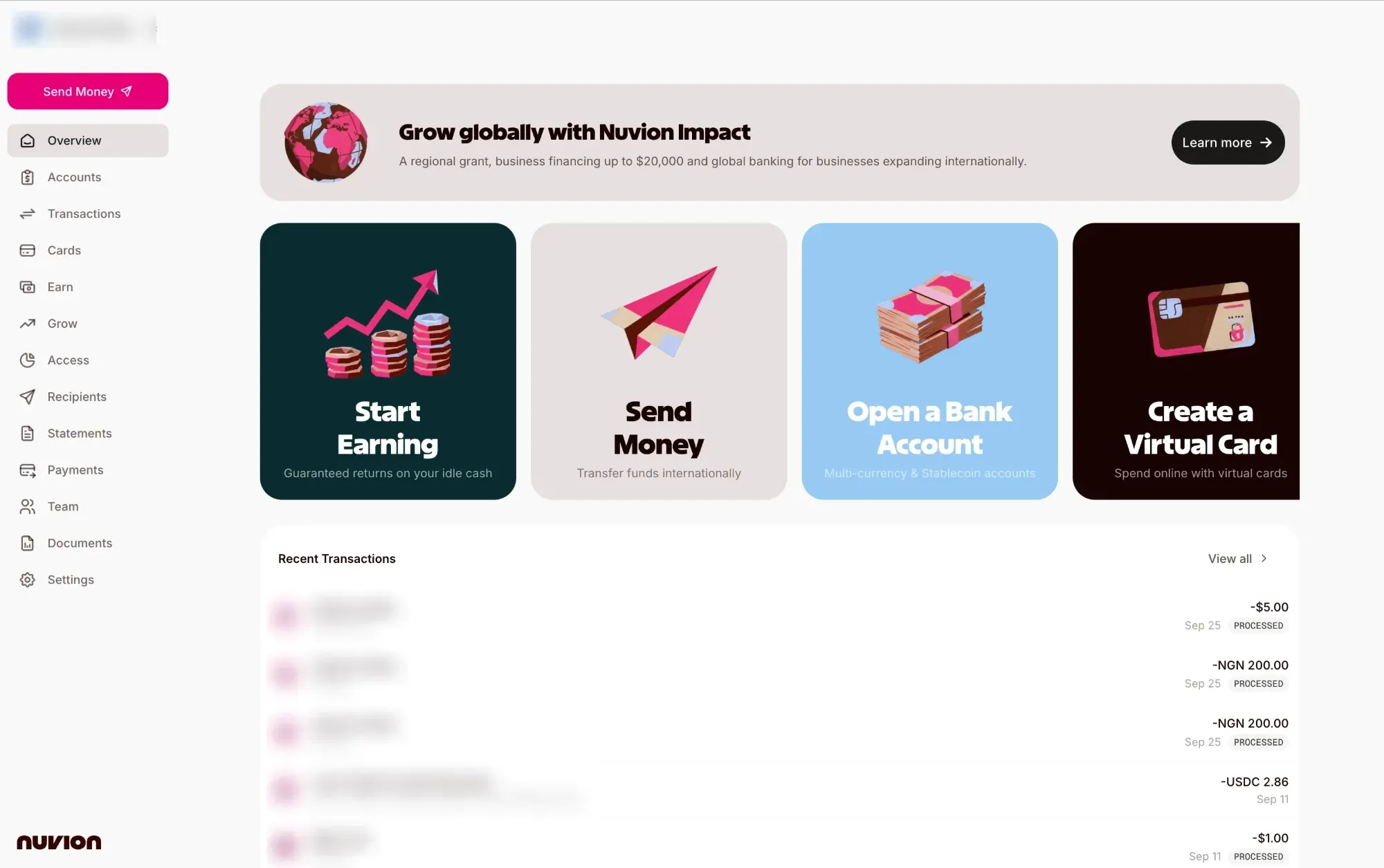
A multi-currency banking and payments app for individuals and businesses. I built the ways money gets in: stablecoin wallets, Interac and Apple Pay.
01The problem
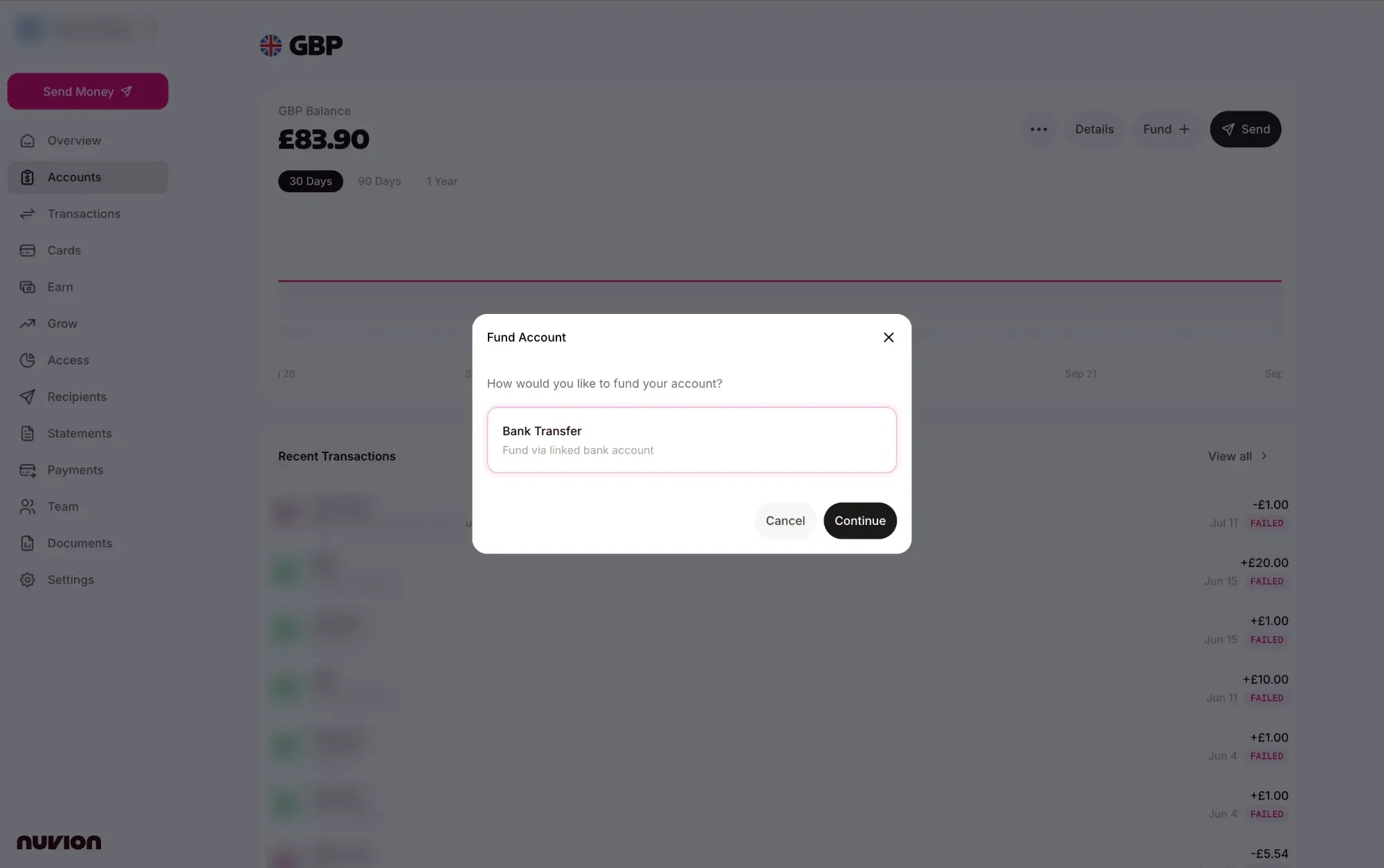
Nuvion customers hold USD, EUR, GBP, NGN, GHS and KES accounts and need to fund them from wherever their money already is: a crypto wallet, a Canadian bank or a phone. Every rail has its own confirmations and failure modes, and each one had to feel like the same app.
02The approach
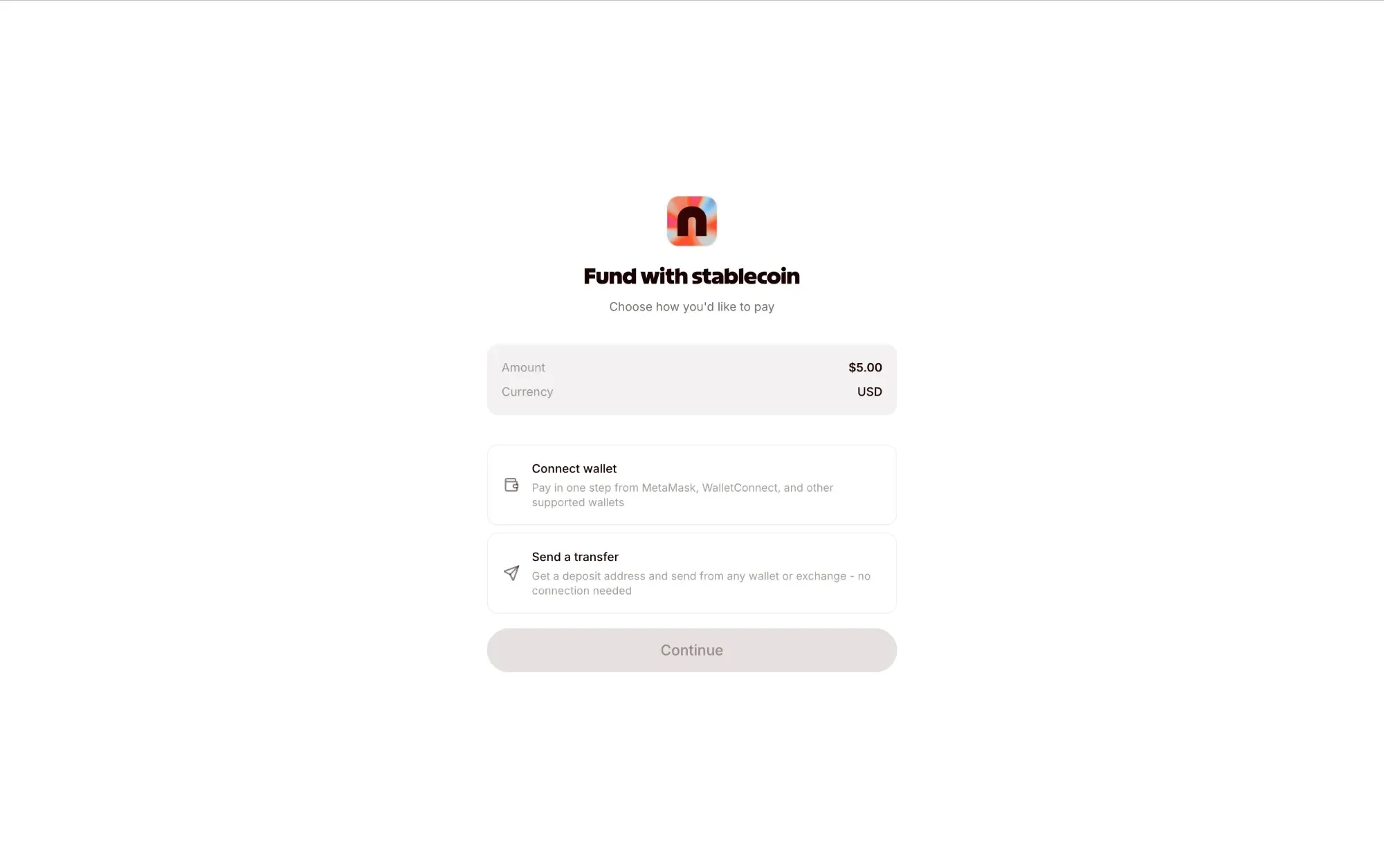
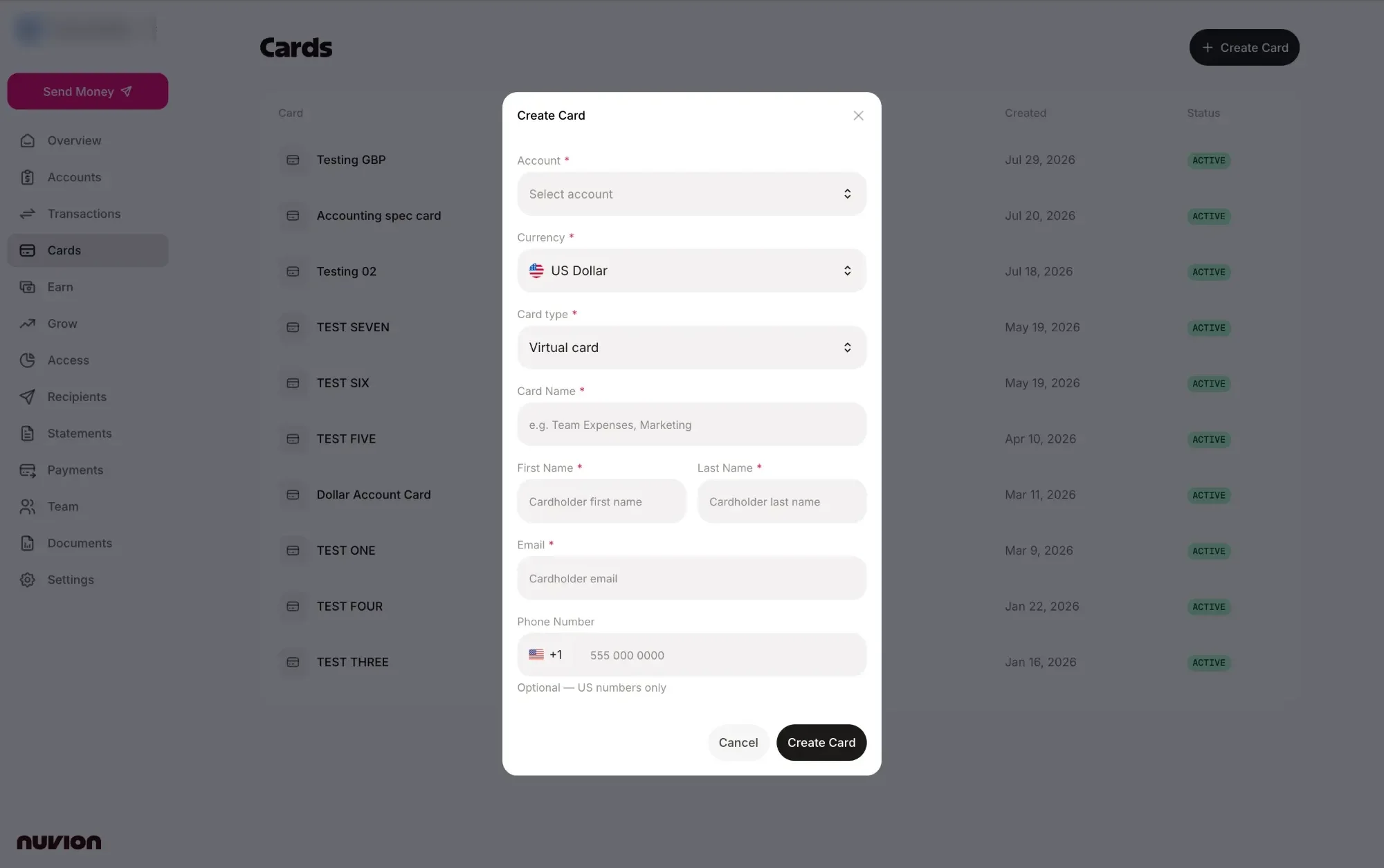
I owned the funding rails on the React and TypeScript frontend. Stablecoin funding connects a wallet through the Dynamic SDK, or hands out a deposit address with a QR code, quotes the FX before checkout and keeps a refund address on file. Interac covers CAD in and out, and Apple Pay runs through two card processors. Alongside that I built the entity documents flow, card creation and account management.
 React
 TypeScript
 Vite
 Tailwind CSS
 React QueryRReact AriaDDynamic SDK
 WalletConnect
03How it works
Connect a wallet
A wallet picker built on the Dynamic SDK and WalletConnect, with deep links and a QR code for mobile wallets, across EVM chains, Solana, Bitcoin and more.
Or send to an address
No wallet connection needed: the app issues a deposit address and QR code, and records a refund address in case a transfer goes wrong.
Quote before paying
An FX quote is fetched before checkout, so the payer sees what their USDC, USDT or ETH will land as in the account currency.
Interac and Apple Pay
CAD funding and sending through Interac, including confirming pending transfers, and Apple Pay routed to the right processor from the payment session.
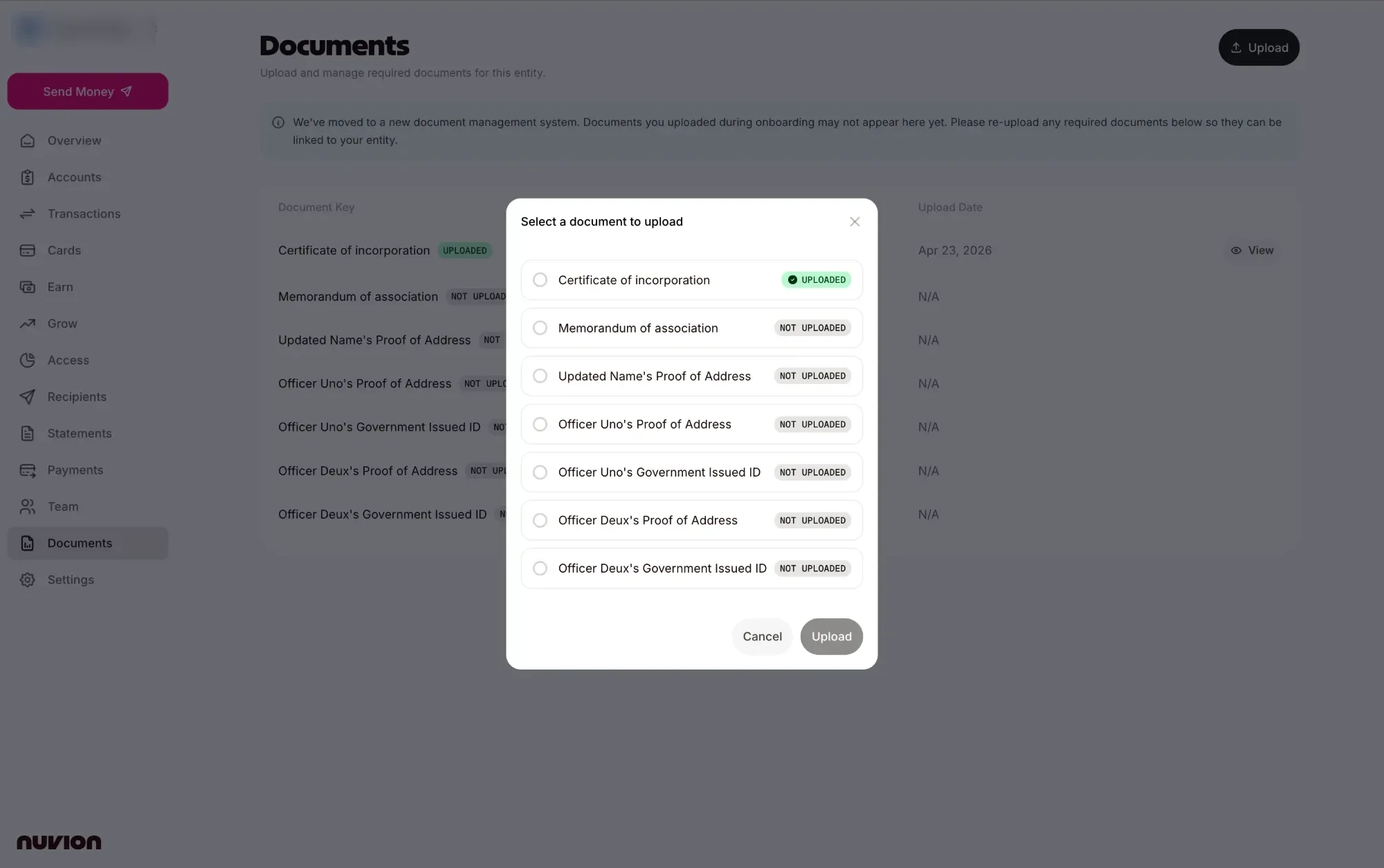
Keep the entity verified
A documents page listing what each business and officer still needs, with a guided re-upload after the move to a new document system.
04Before and after
Before
- Stablecoin accounts with no in-app way to fund them
- No local rail for CAD customers
- Apple Pay tied to a single processor
- Onboarding documents left behind by a system migration
After
- Fund from a connected wallet or a deposit address
- Interac funding and sends for CAD
- Apple Pay across two processors
- A guided re-upload for every missing document
05See it run
06Proof it holds up
- Deposit-address payments keep a refund address on file, so a mistaken transfer can be returned.
- Crypto payment errors are mapped to plain messages instead of raw wallet errors.
- Links that open new tabs were hardened against tabnabbing as part of a security pass.