Case 04 / 04FIRS, via Resilience17, 2025 to 2026
Government bill payments
One place to look up and pay federal and state government bills, from FIRS tax to agency fees, powered by Flutterwave.
01The problem
Paying a government bill means finding the right agency, the right service and the right reference, then trusting that the money reached the treasury. The portal had to cover federal agencies and FIRS alongside state authorities like FCT-IRS and Lagos, with part-payments, identity checks and complaints, for people who never log in.
02The approach
A Next.js portal where a payer searches for an agency or looks up a bill reference, verifies who they are with a NIN or a company RC number, and pays through Flutterwave checkout. Behind the scenes the app raises the charge in RevOps, attaches TSA metadata to the payment, reports it to RevOps and Remita once it settles, and handles part-payments and complaints.
 Next.js
 React
 TypeScript
 Tailwind CSS
 shadcn/ui
 React Query
 ZodFFlutterwave
03How it works
Find the agency or bill
Search a federal or state agency, or paste a bill reference. The lookup routes by status: new, pending, part-paid or already paid.
Verify the payer
Individuals verify with a NIN and companies with an RC number, each on its own validated form.
Raise the charge
The app creates the charge in RevOps and attaches TSA metadata to the payment, so the money is traceable to the right account.
Pay through Flutterwave
Card or bank transfer through Flutterwave checkout, finalised after payment, with the transaction ID passed on to Remita.
Confirm, or raise a complaint
A status page with a downloadable receipt, and a complaint form with file upload for when something went wrong.
04Before and after
Before
- Each agency's bills paid in a different place
- Unclear whether a part-payment counted
- No identity check for company bills
- Payment problems handled off-platform
After
- One lookup for federal and state bills
- Clear status: new, pending, part-paid or paid
- NIN and RC number checks in the payment form
- Complaints with evidence, from the success page
05See it run
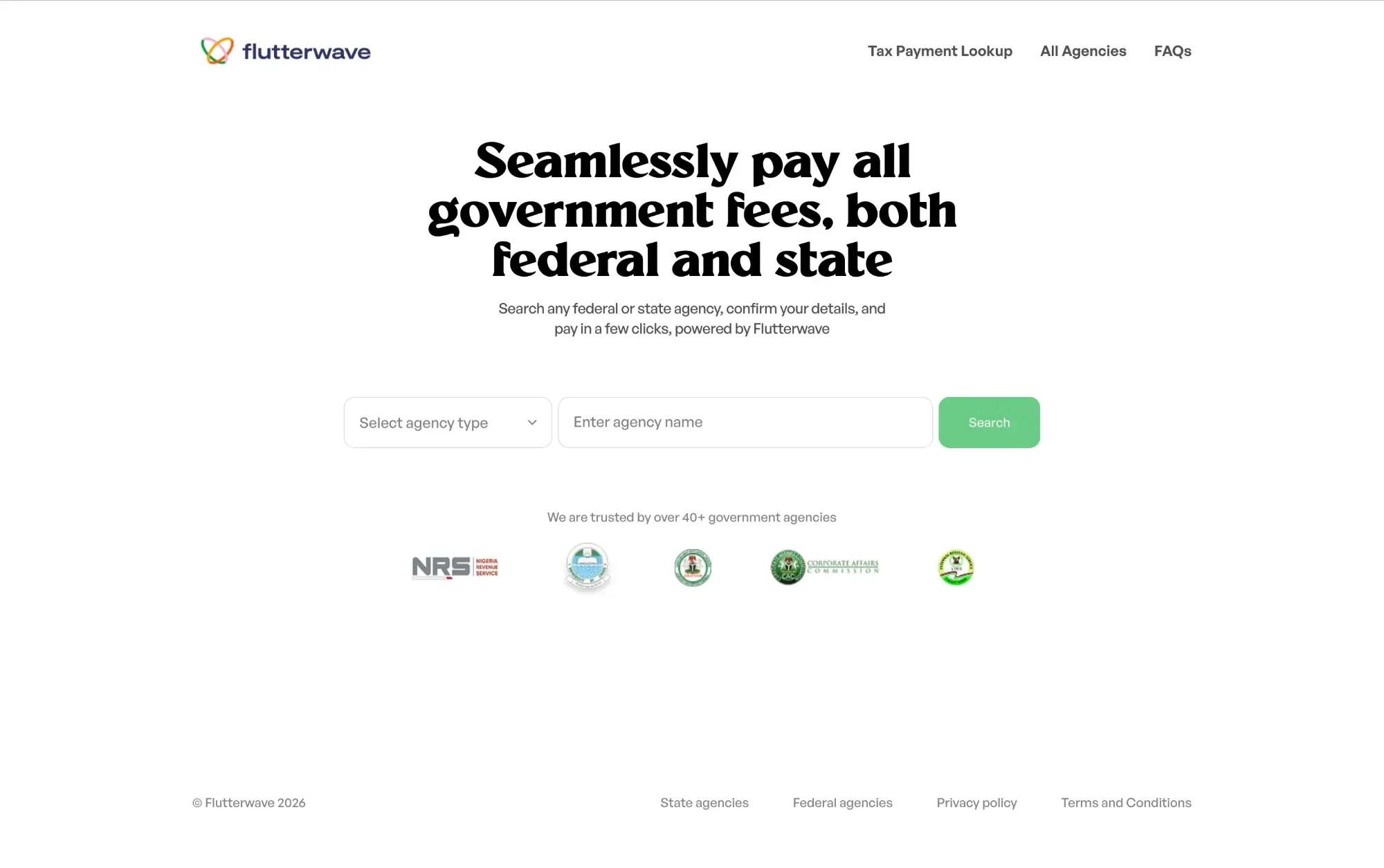
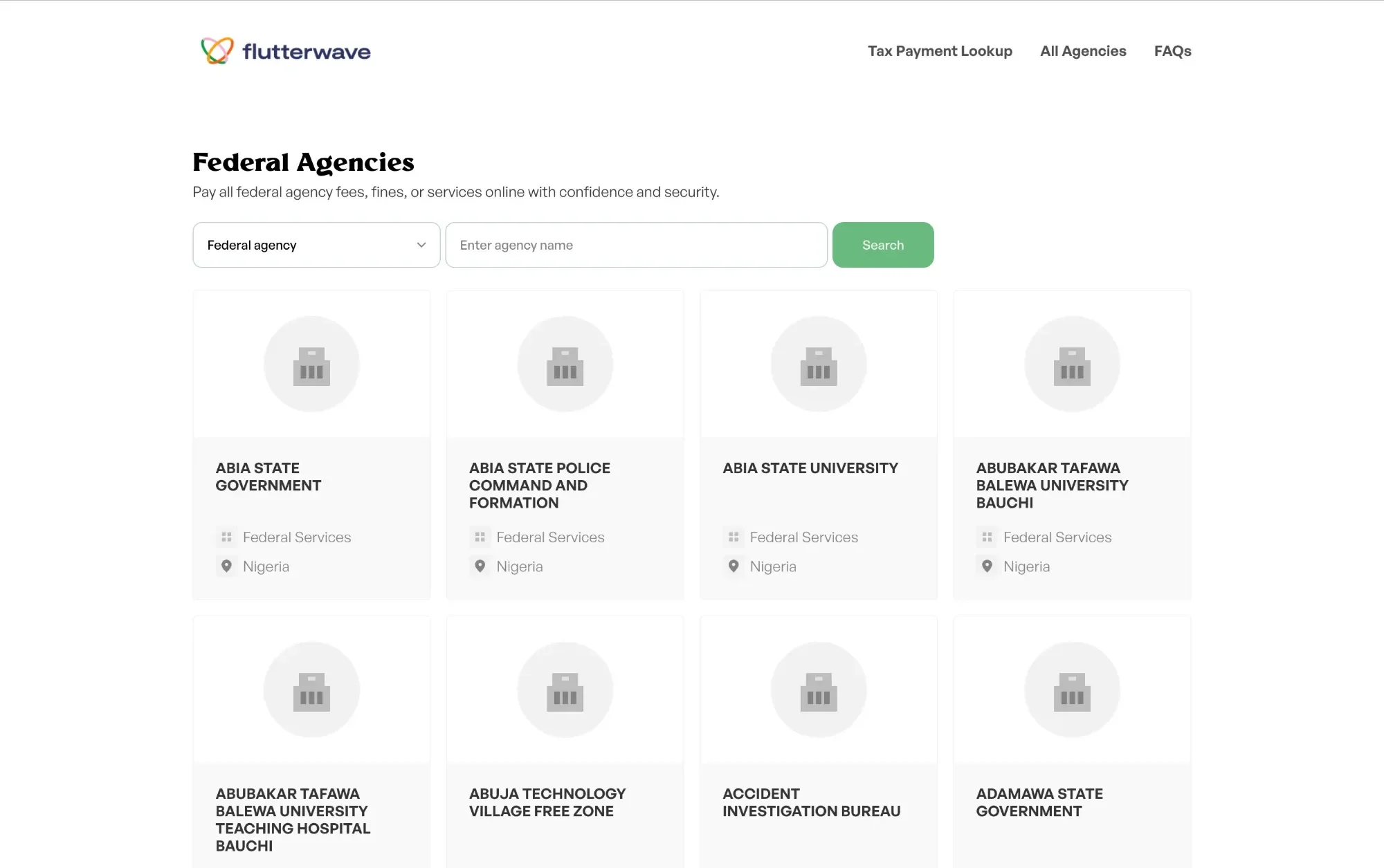
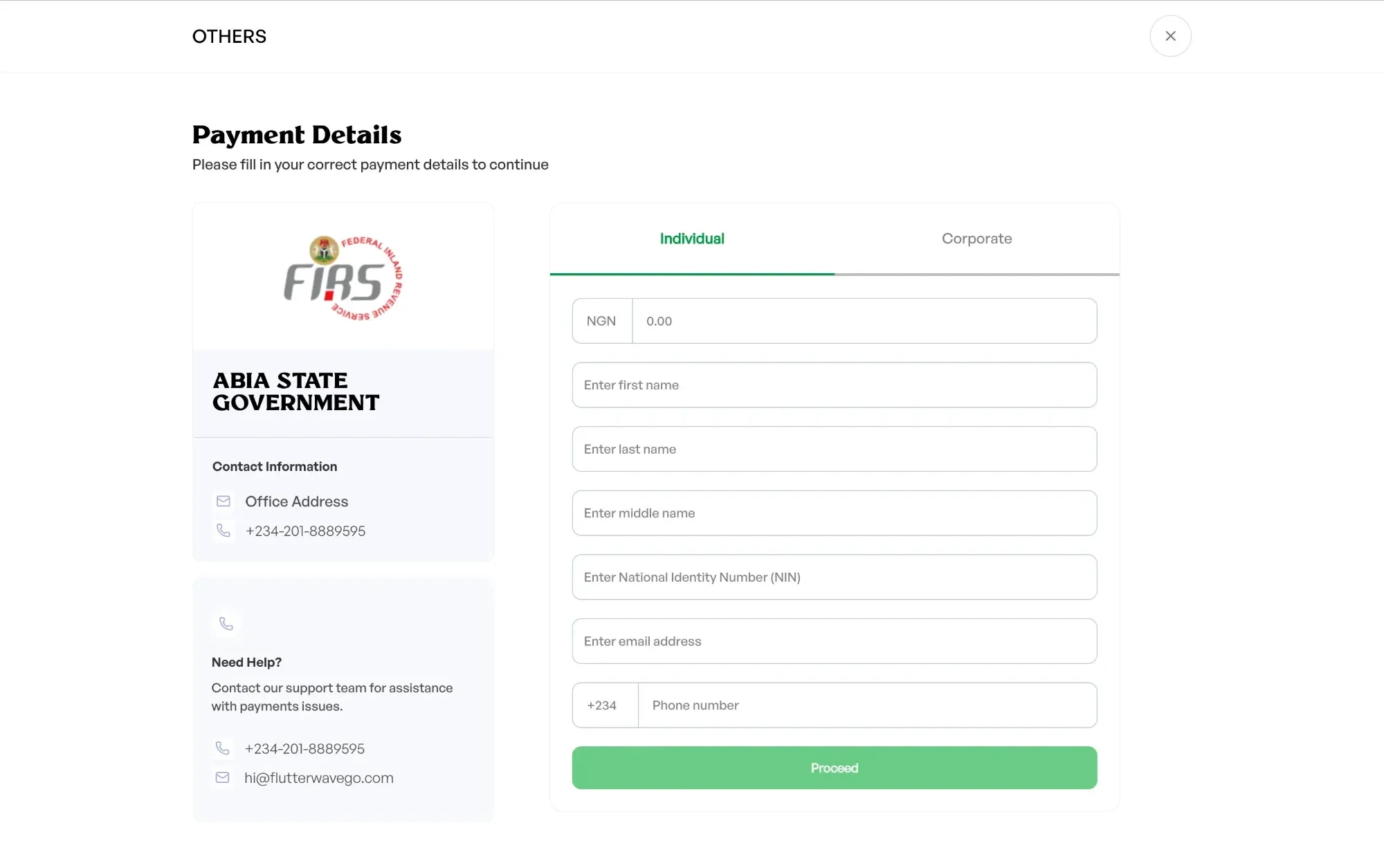
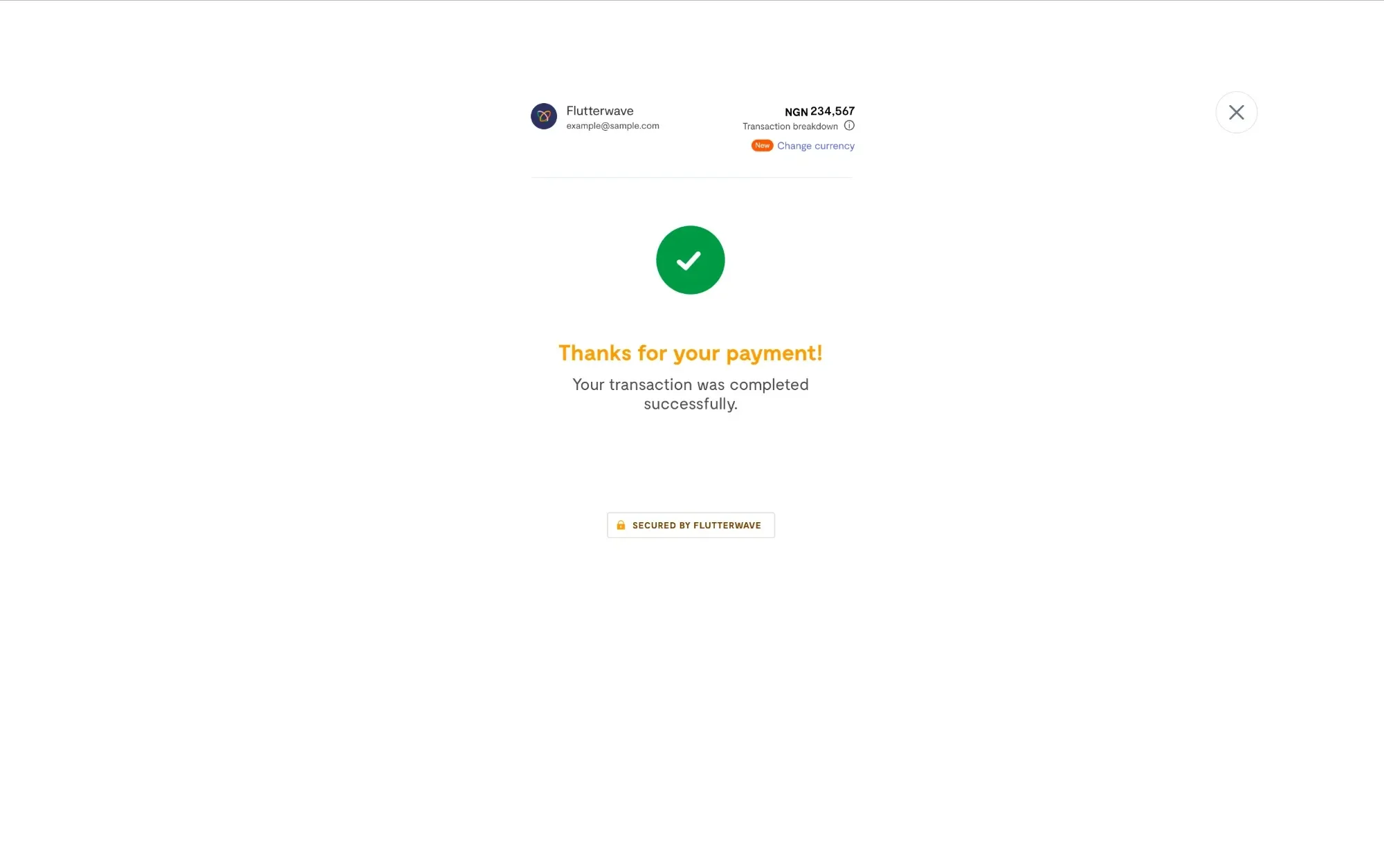
06Proof it holds up
- Part-payments are recognised in the lookup, and amounts are formatted in naira throughout.
- Every payment carries TSA metadata and is reported to RevOps and Remita once it settles.
- I moved data fetching to React Query, reorganised the code into feature modules, and led the June 2026 redesign of the service search.